Home > Home Screen > Events > Timesheet
 Timesheet Timesheet
The Timesheet will automatically display new entries that have been added on the current date.

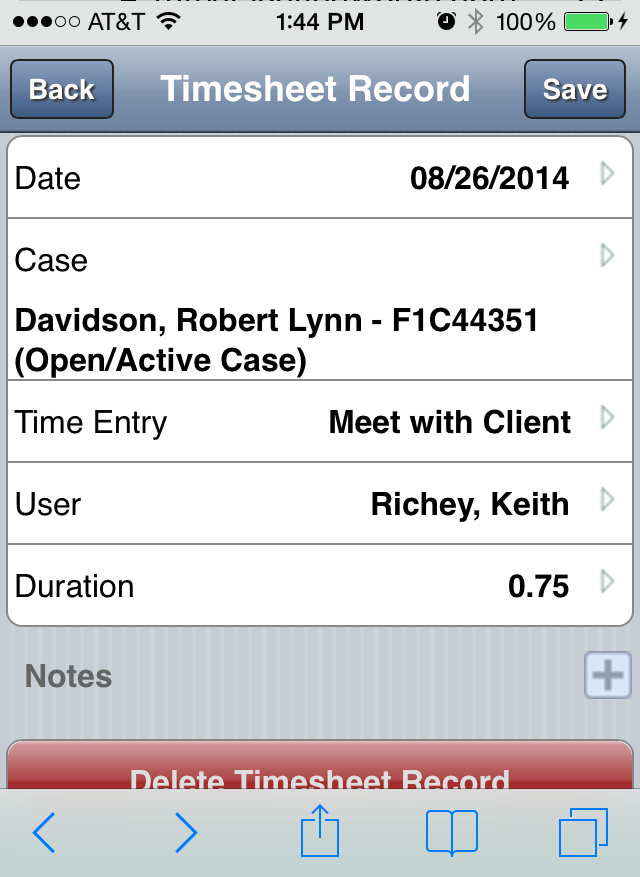
To record time:
- Tap “Time Entry” to select a category.
- Tap “Client” to search for an select the associated case.
- “Date” will default to today’s date, tap to edit if applicable.
- Tap “Hours” to enter hours, time is recorded in decimal format (1.5 for 1 hour and 30 minutes)
- “Time Entry User” will default to your name, tap to edit if applicable.
- Tap the “Note” field to enter all notes.
- Tap “Save” from the upper-right to finish.
See also
| 


