Home > Home Screen > Events > Schedule
 Schedule Schedule
The Events Menu is used to manage calendared events for each user in the system. From this menu, events may be scheduled, rescheduled and deleted. By default the Schedule automatically displays all upcoming events as shown in the example below.

Creating Viewing & Edit Events
Select the New button from the toolbar to create a new event.
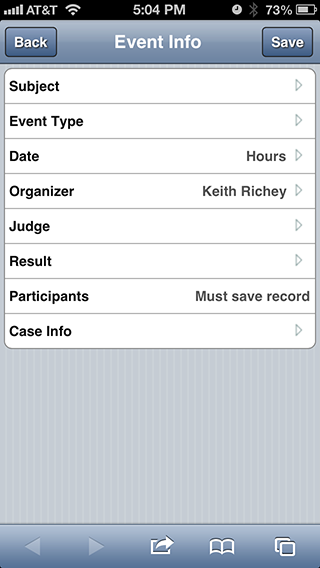
When creating a new event, the following screen will be displayed.
See also
| 


