Home > Login
 Login Login
Login Instructions
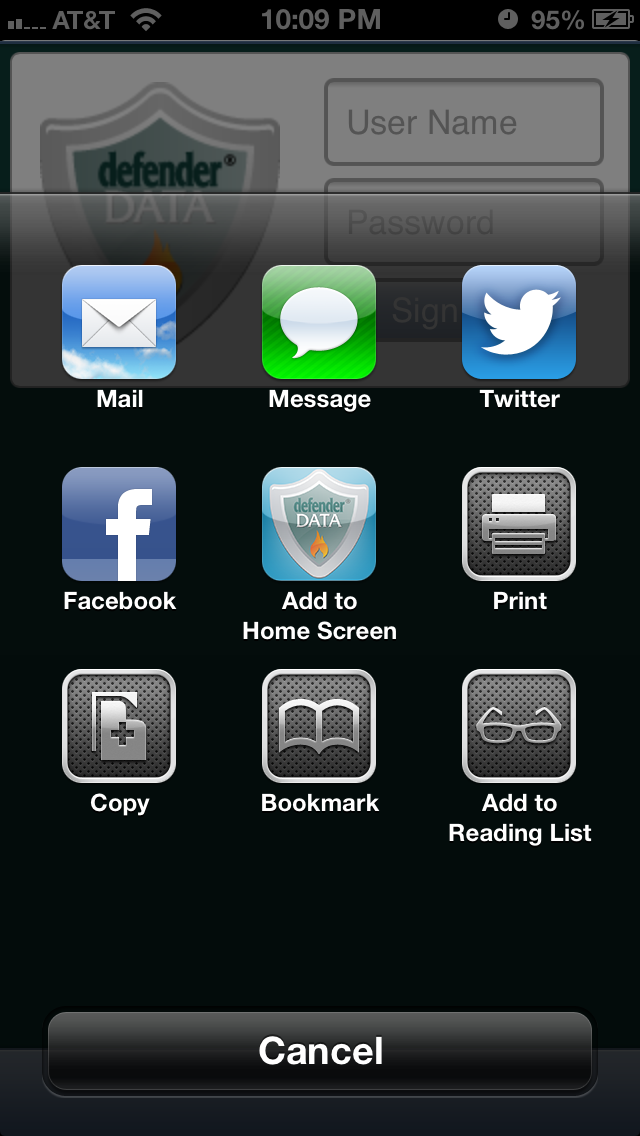
The login instructions for your defenderData Mobile account will be provided via email by your Administrator. When accessing the system for the first time be sure to add a bookmark to the login page for future reference. If supported for your device, we also recommend adding a shortcut to the Home Screen of your device.
Logging In
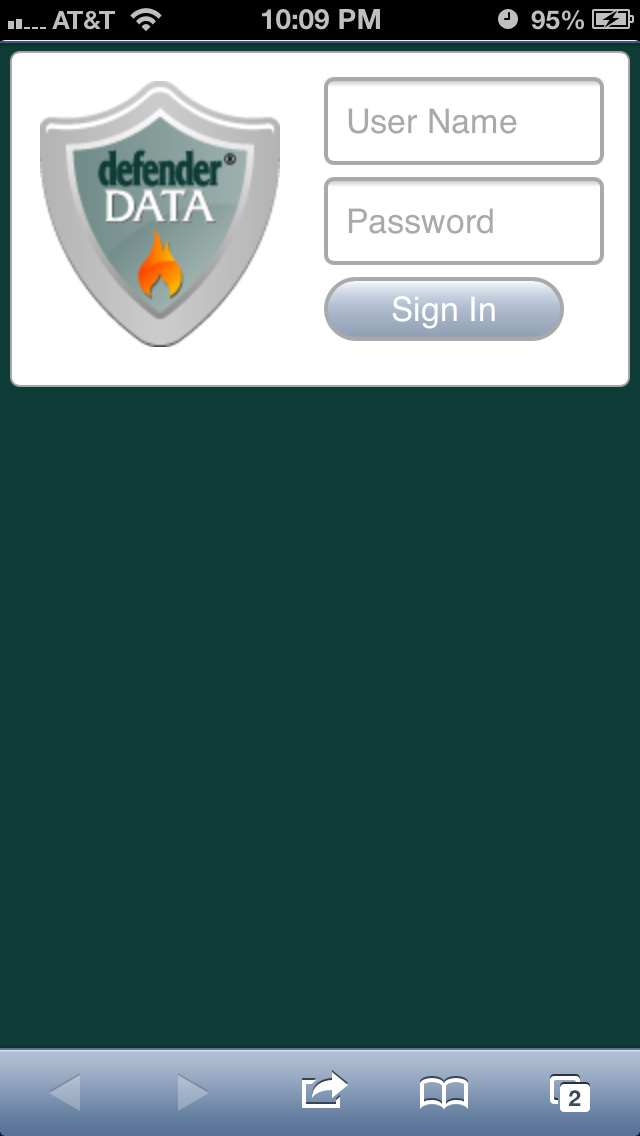
Ia bookmark has not yet been created on your device please refer to the email provided for the link to this page. The login screen will be displayed as shown here:
To login:
- Enter your User Name
- Enter your Password
- Click OK to login
Please note, passwords are case sensitive.
See also
| 


